
Summary: GVWeb user accounts lock after 3 failed attempts to log in with an invalid password. A generic reactivation email is sent to the user for them to reactivate their account themselves with a temporary password. However, users reach out to Customer Support because the temporary password did not work and their account remains “Inactive”. This is because the user skipped a step from the automated email.
Error Message Received “Account locked out. Please check your email to reactivate.”
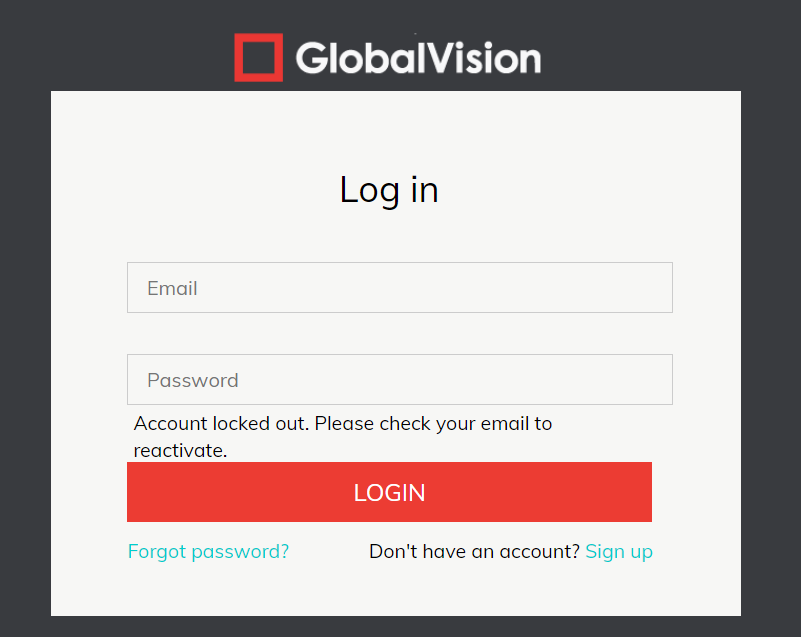
Resolution:
Please contact support@globalvision.co who will reactivate your account.