
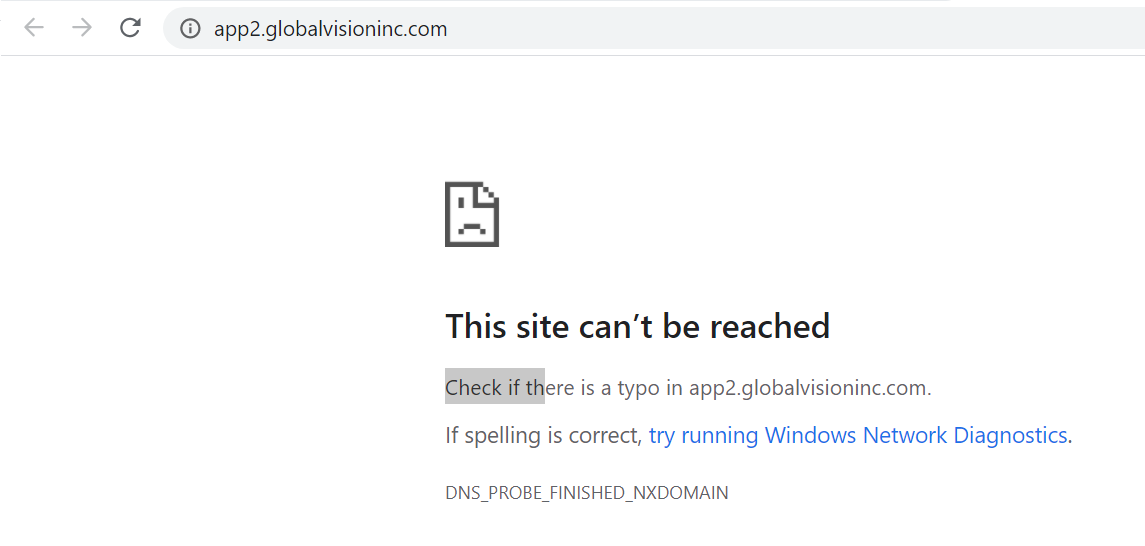
Issue: Users who access app.globalvisioninc.com using the forwarding address app2.globalvisioninc.com, will no longer be able to reach the URL and will receive a notification “This site can’t be reached”:
Resolution: Change the URL from app2.globalvisioninc.com to app.globalvisioninc.com
If the URL is saved as a bookmark in Chrome, update the web address by:
-
On your computer, open Chrome.
-
At the top right, click More .
-
Click Bookmarks. Bookmark Manager.
-
Point to the bookmark you want to edit.
-
To the right of the bookmark, click the More. , to the far right of the bookmark.
-
Click Edit.
-
Edit the name or web address of your bookmark.
If the URL is saved as a bookmark in Safari, update the web address by:
-
You can edit bookmarks in the “Recent Bookmarks” section by right-clicking a bookmark.
-
Then click the “Properties” link.
-
An editing window will open. Make any changes you wish to make
-
Click the “Save” button