|
Article Title |
Identifying Problematic Fonts in a PDF |
|---|---|
|
Type |
Informational |
|
Software |
Nextimage |
Overview: Crooked scans can present issues within GlobalVision as the software may struggle to align the master and sample files. As a fix, the Nextimage software allows the scan to be realigned before it is imported into GlobalVision.
-
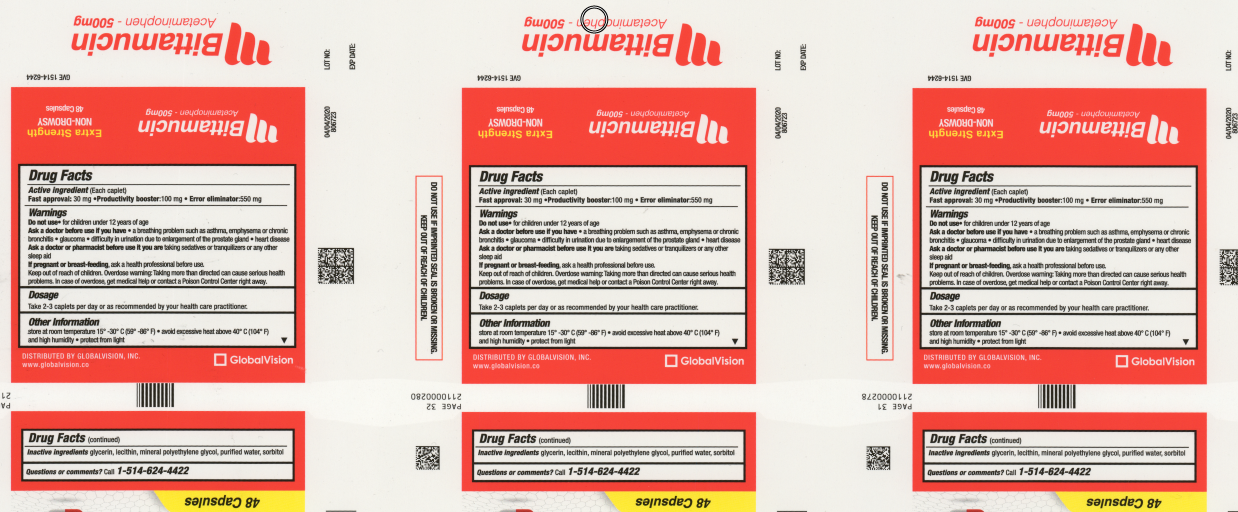
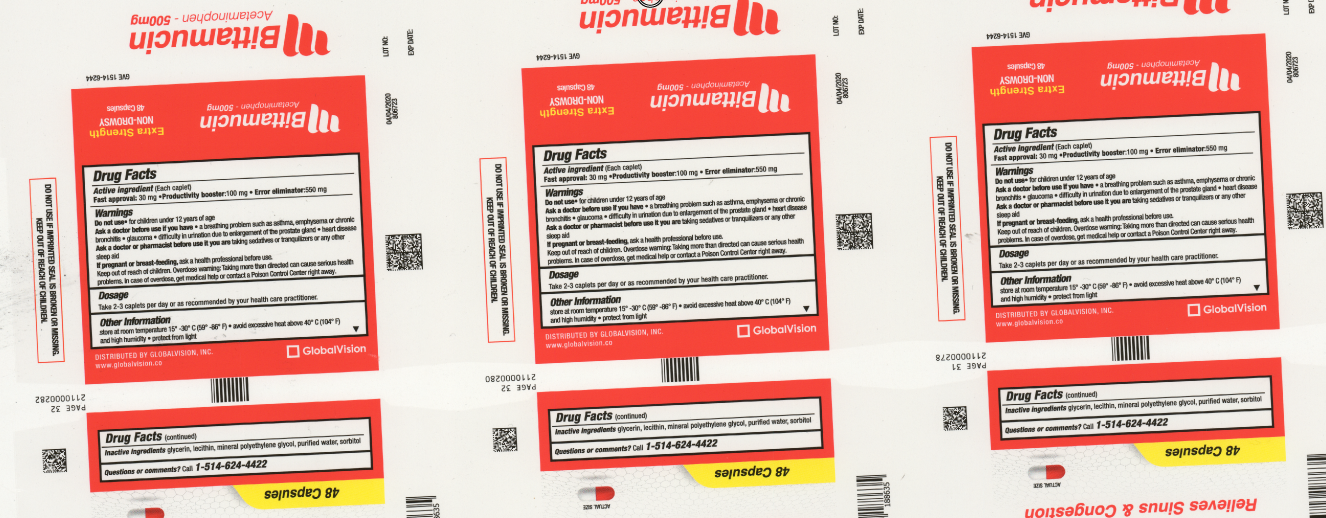
As seen below, a misaligned scan is easily identifiable in the Nextimage software:
-
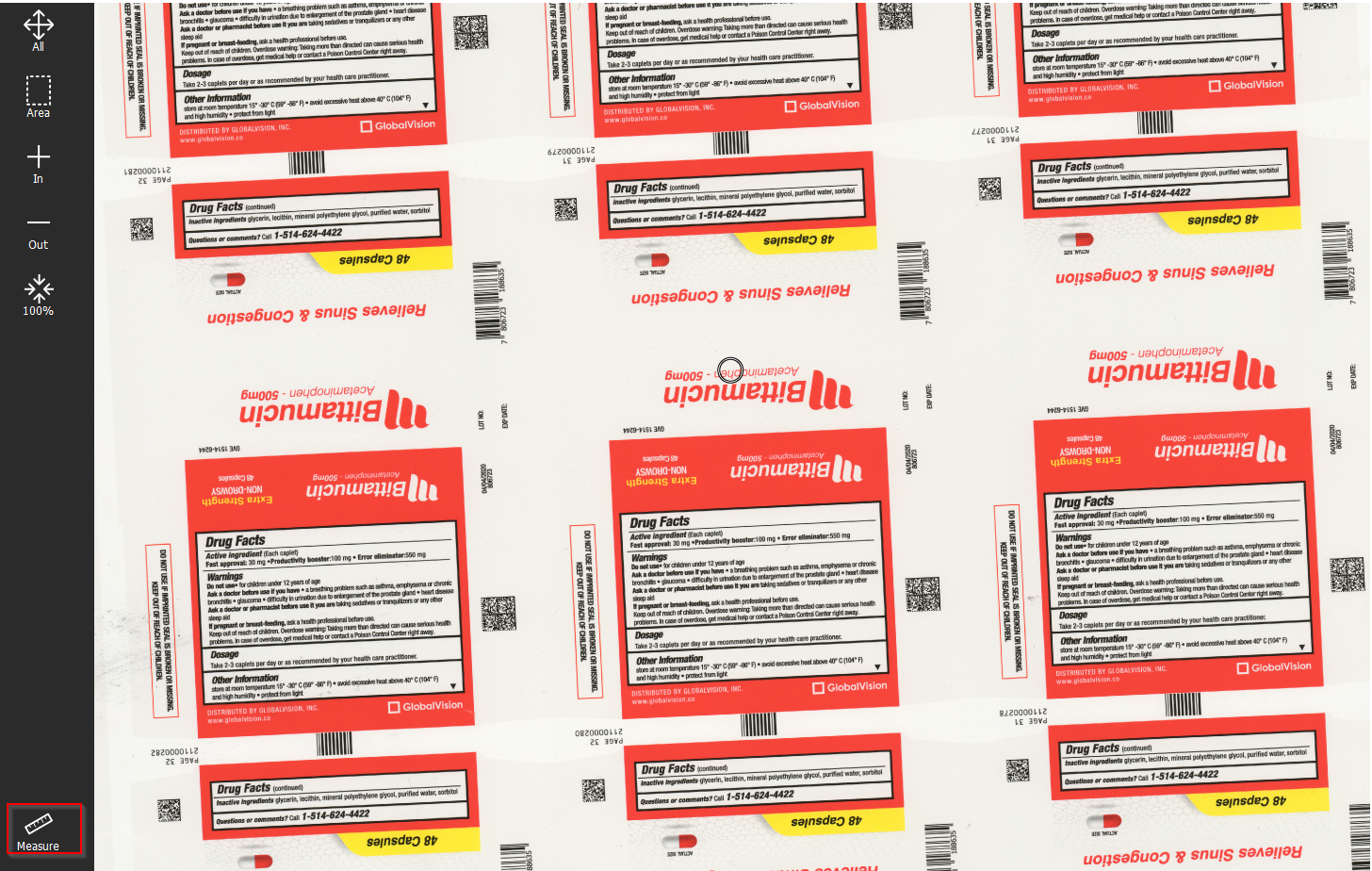
Select the “Measure” tool in the bottom left corner of the screen
-
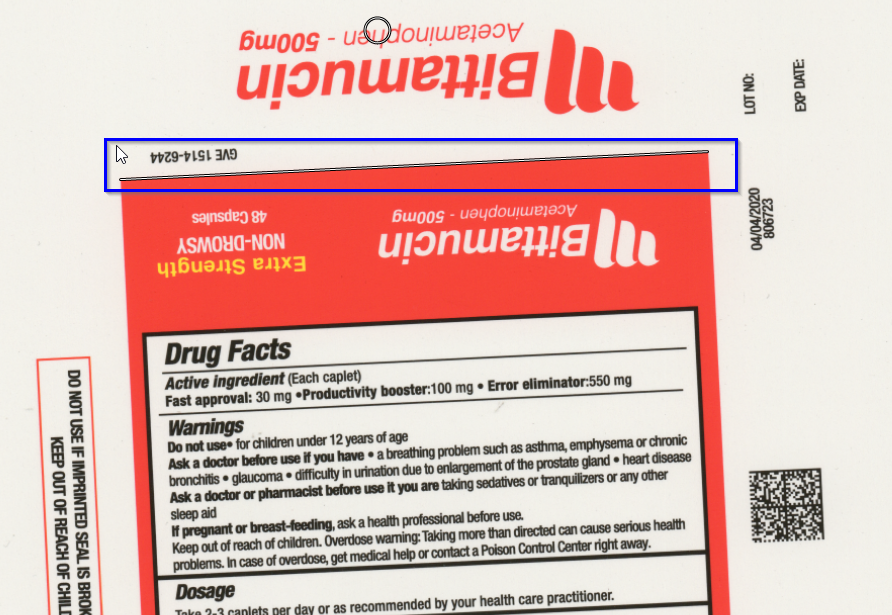
You will be prompted to draw a thin digital (white) line a straight edge of the scan. Here we chose the red edge of the carton.
-
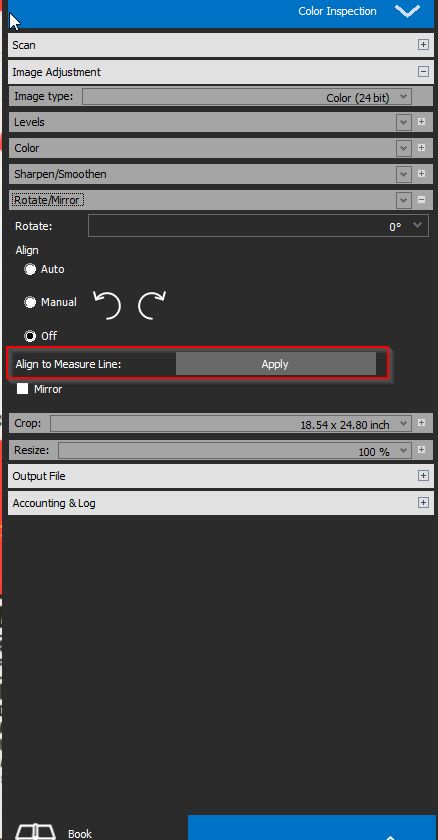
In the menu on the right side if the screen, navigate to Image Adjustment > Rotate/Mirror > Align to Measure Line and click “Apply”
-
See the realigned scan which can now be imported to GV