
Overview
The GlobalVision C8 cylinder scanner is designed to scan the surface of a uniform cylindrical object (same cylindrical shape throughout) and compare a customer-approved PDF or proof file. The GlobalVision C8 can also compare the scan of a reference cylindrical object to another or many others. It is used for bottles, tubes, cans, and containers.
This document provides the necessary information and steps required to scan samples using the GlobalVision C8 with GlobalVision Desktop software. For more information, consult the GlobalVision Help Center for a quick start guide and easy-to-follow instructional video.
Specifications
The following table describes the scanner’s specifications:
|
DESCRIPTION |
SPECIFICATIONS |
|
Sample Type |
Uniform cylindrical object |
|
Input Voltage |
110-220 V; 50-60 Hz |
|
Office Environment |
Vibration-free table |
|
Scan DPI |
150-600 |
|
Minimum Cylindrical Object Diameter |
1.1” / 28mm |
|
Maximum Cylindrical Object Diameter |
6.3” / 160mm |
|
Maximum Scan Width |
8” / 203.2 mm |
|
Software |
GlobalVision Desktop 5.11.0 and higher |
Table 1
Hardware Overview
The following sections describe each of the physical components:
Front Side
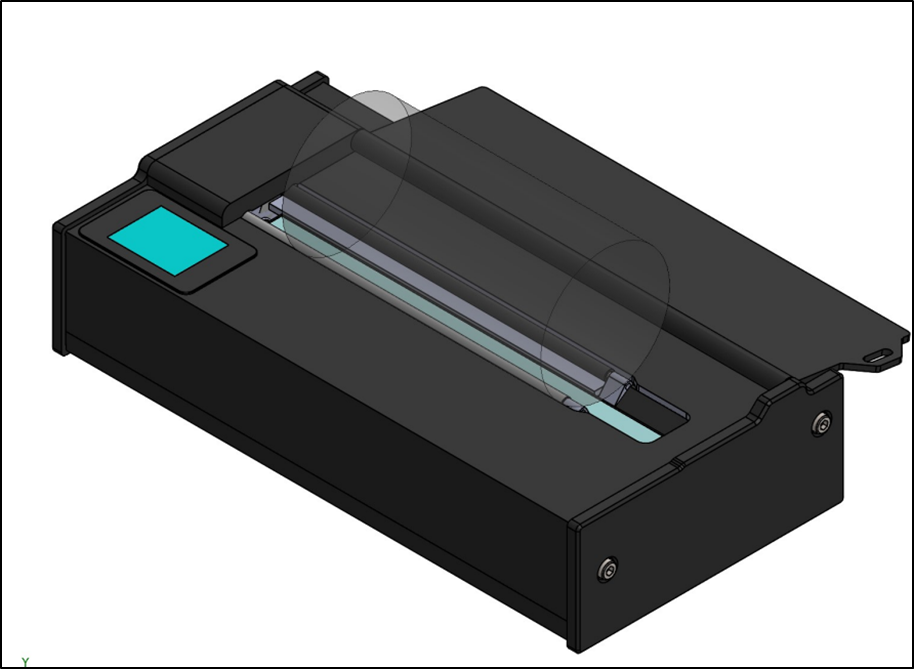
Figure 1 C8 Cylindrical Scanner
|
FRONT-SIDE HARDWARE COMPONENTS |
||
|
1 |
Dust Cover |
Protects scanner while not in use |
|
2 |
LCD Display |
Displays Selected Diameter and Status |
|
3 |
Rollers |
Grips the sample as the Support Bars rotate so the sample is scanned; The back roller features a rubber surface for more traction |
Table 2 C8 Components
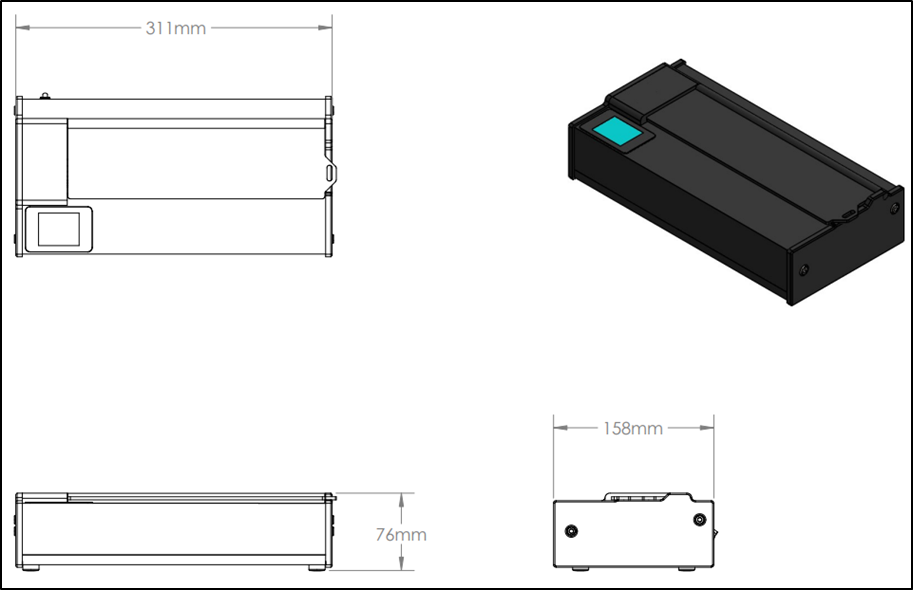
Figure 2 C8 Top, Side & End Views
Back Side
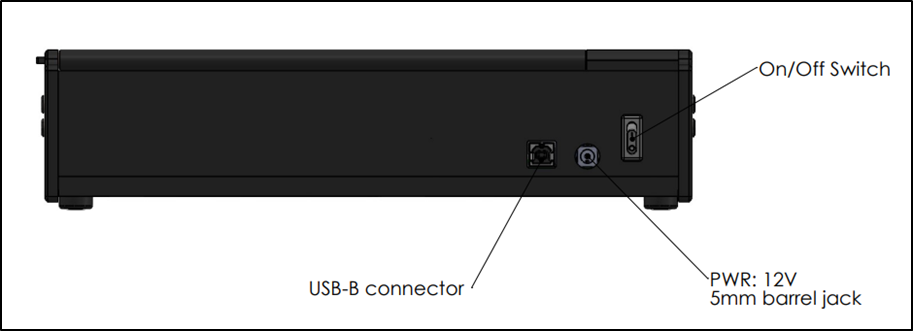
Figure 3 C8 Connections