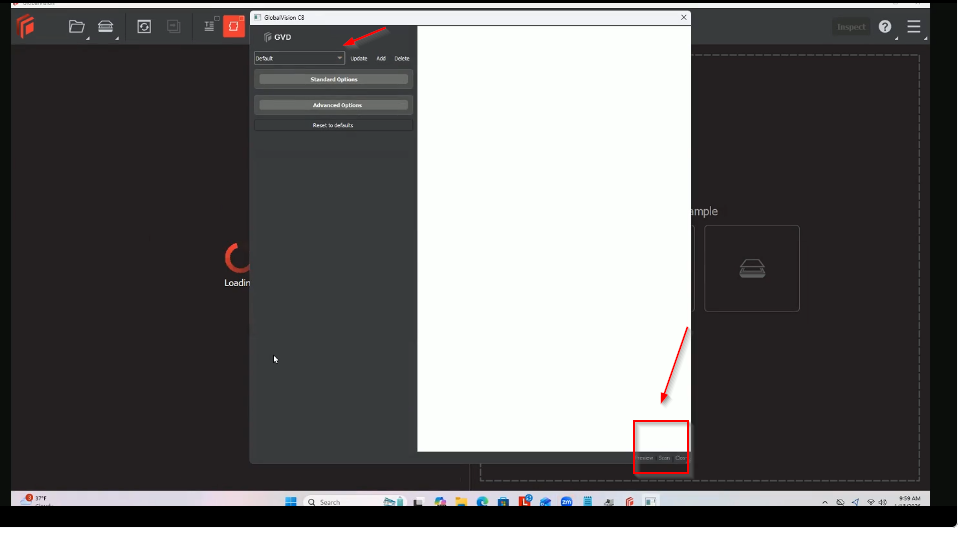
-
Here is the installation file.
-
Install the software using Full admin rights.
-
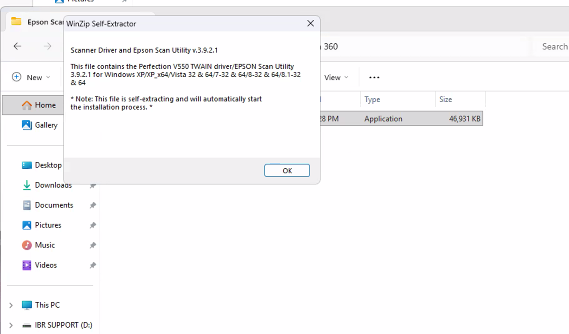
When you try to install the software, you will receive the following message. Click on OK. This software will work on Windows 11.
-
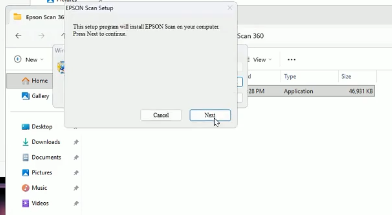
Click Next and go through the other steps.
-
Once the software is installed, make sure that the scanner is connected to the USB port properly, and reboot the PC and the scanner.
-
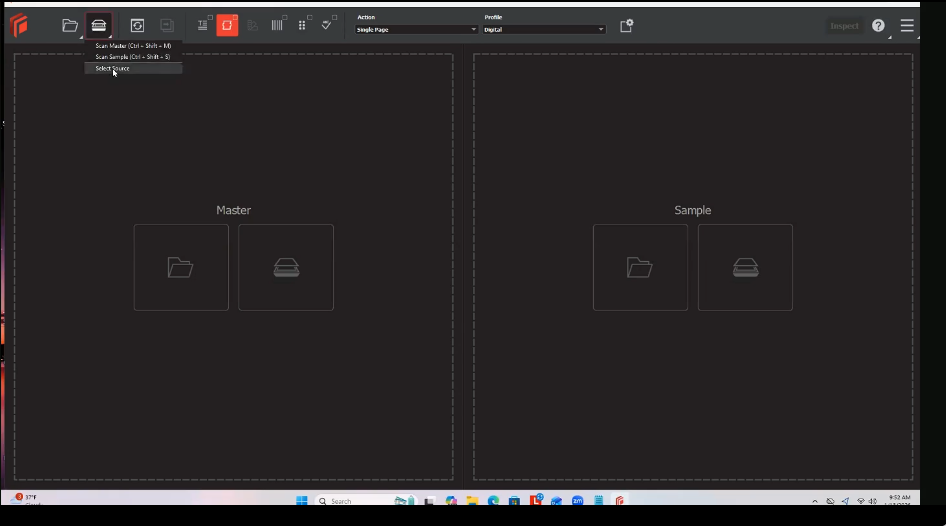
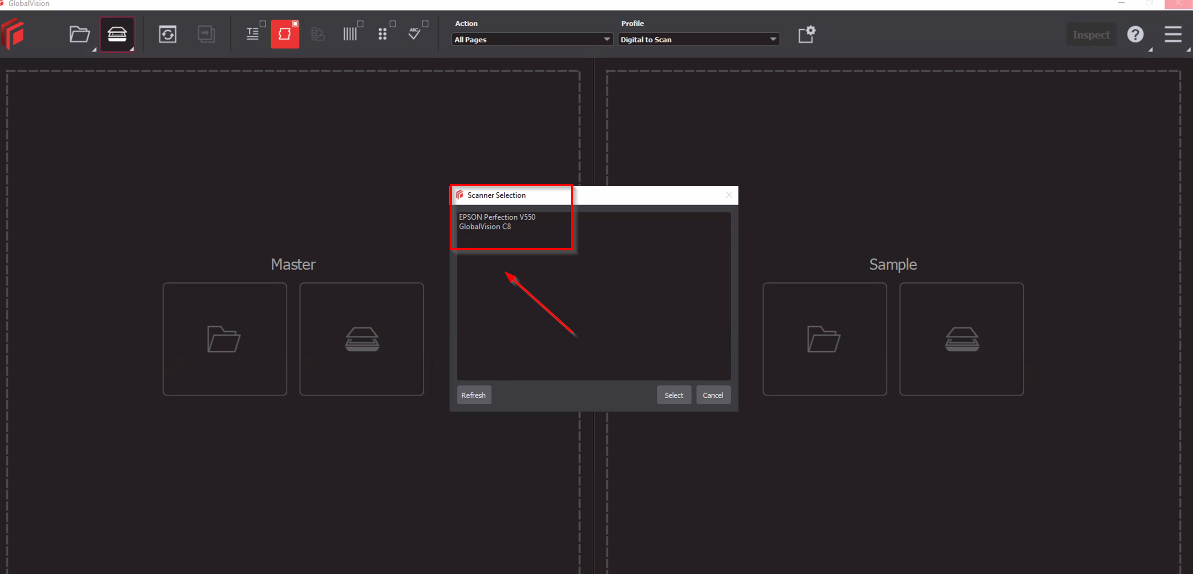
Open GVD and select Source.
-
Two scanners will be listed: Epson Perfection v550 and C8. Select GlobalVision C8.
-
C8 will open, and you can click on scan, and the scanned file will be loaded in GVD.