
Single Sign-On (SSO) or Regular Email-Password Login
Provided that the tenant is set up for SSO, the user may click on SSO Login to simplify the login process.
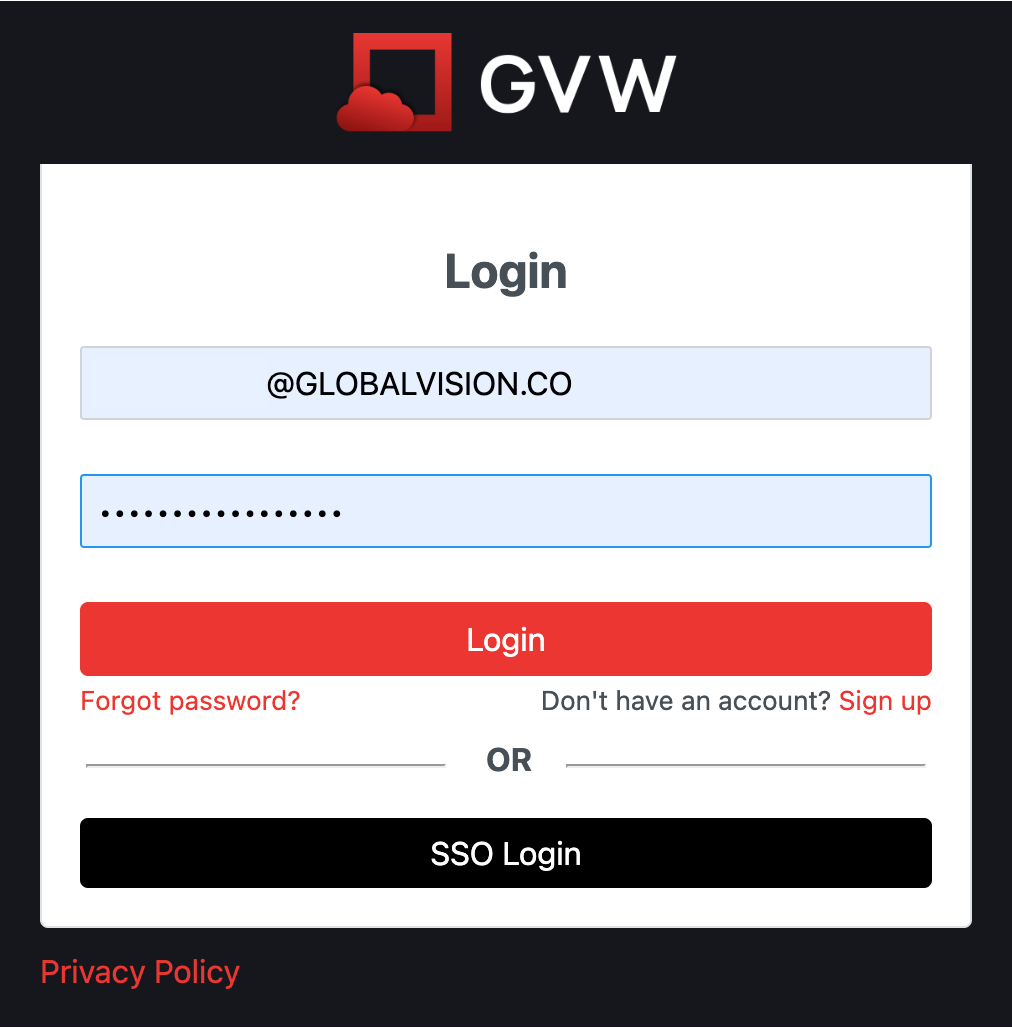
Without SSO enabled, the user may input their email and password information and click on Login.
Account Creation
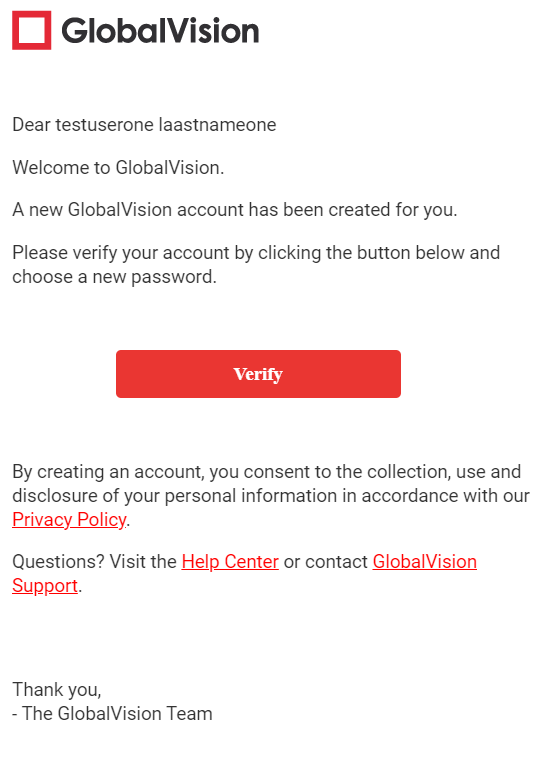
When an administrator creates a new user, a verification email is sent and prompts a password creation. With this process, the user gets ‘verified’ automatically.
Password Reset and Login
-
Click on the link in the Email.
-
Enter your desired password
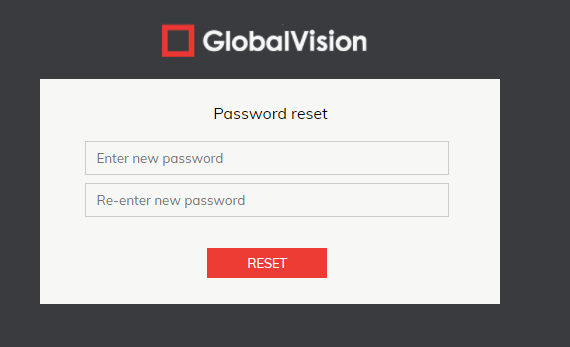
Once this is complete, you will be logged into GVW.
Logout
-
Click on the Logout icon in GlobalVision Home to exit the application.
