
Forgot Password
In case you forgot your GlobalVision Web password, click the Forgot Password option in the Login page and provide your email information in Password Reset window:
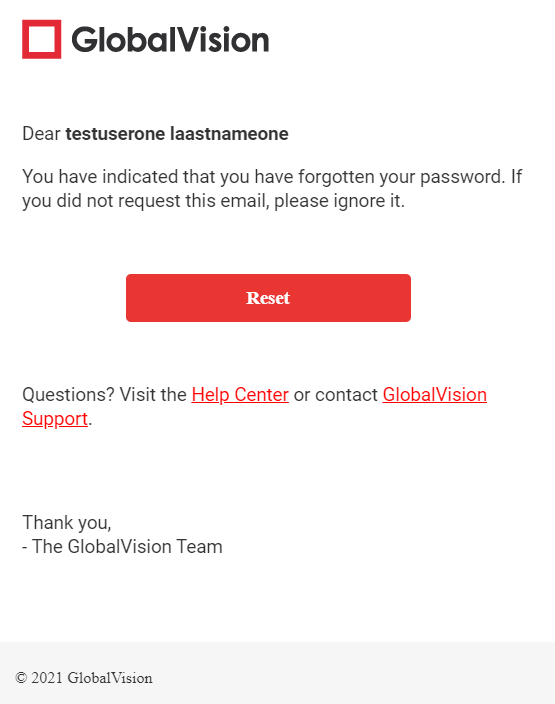
An Email will be sent to your provided email address allowing you to reset your password. Click Reset to get prompted to enter a new password.
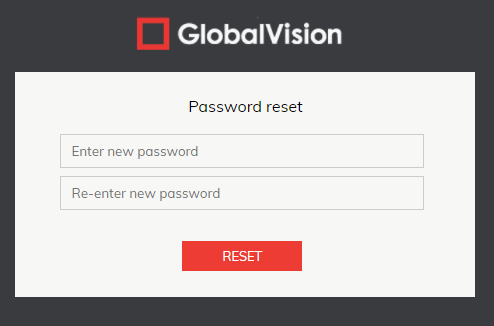
Once you enter your new password you will then be prompted to log in again using your newly created password.
Change Password
In case you decide to change your current password, click on the Profile icon in the GlobalVision Home menu:

Provide your new password on the next page, and hit Change Password.
Email Notifications
In case you would like to turn off email notifications of all created inspection reports, you can go under settings and turn it off by clicking on the blue slider.