GlobalVision Desktop

SMA Monitor Bracket Installation

Please follow the steps below to install the Monitor and Computer bracket.
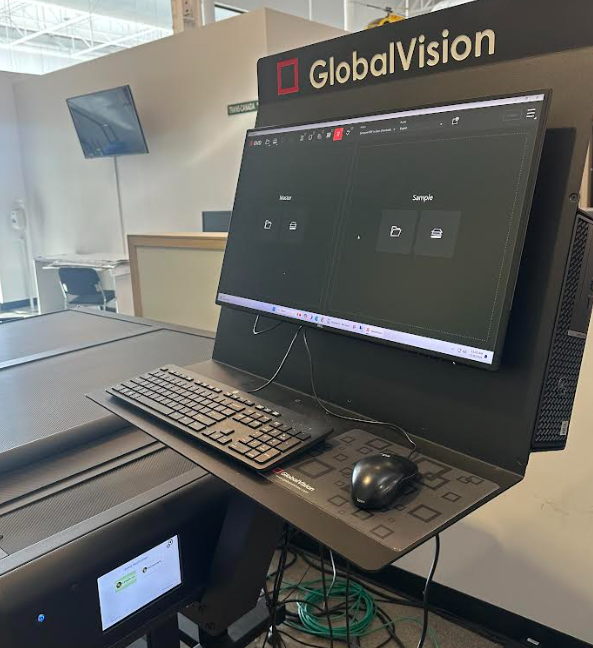
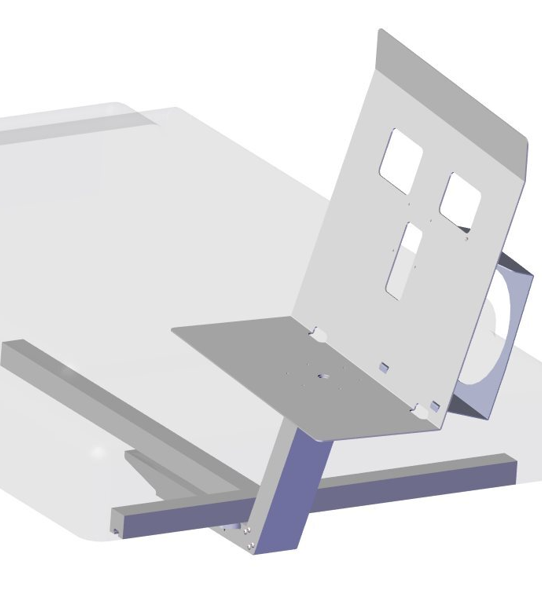
image-20241206-164345.png
The SMA Monitor bracket installed.
image-20241206-211610.png
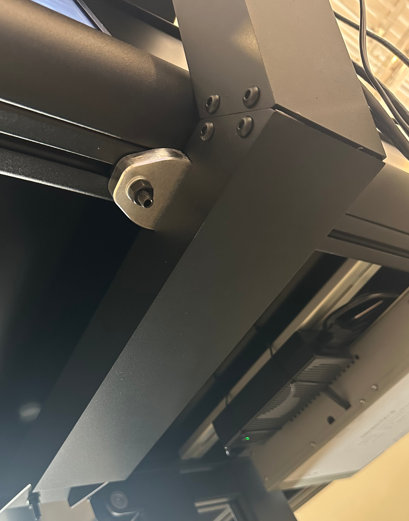
The bracket arm mounts under the SMA scanner using 3 bolts.

STEP 1:


image-20241206-212122.png
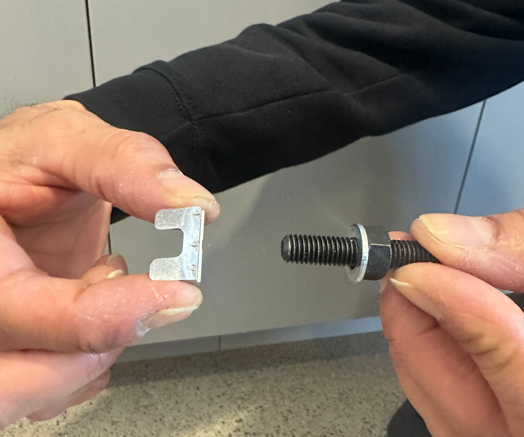
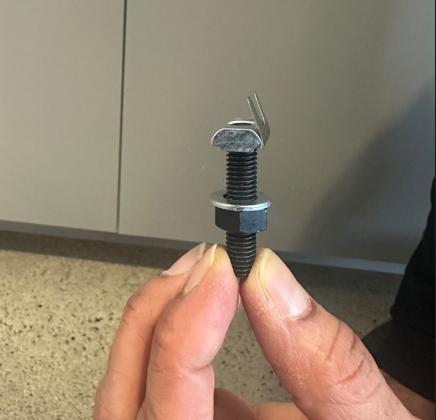
Assemble the set screw and T-Nut


STEP 2:


image-20241206-212207.png
Make 3 like this

STEP 3:


image-20241206-212256.png
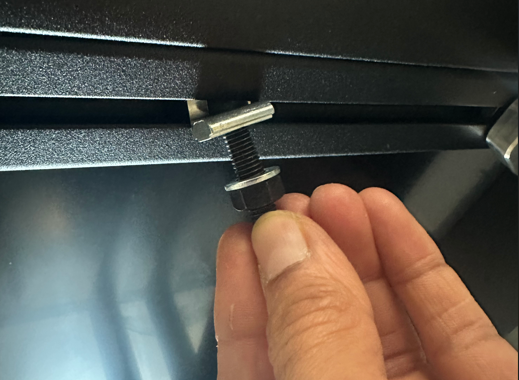
Press the T-Nut into the bottom of the rail. Start with the 2 rear ones as shown in Step 5.

STEP 4:

image-20241206-212909.png


image-20241206-212748.png
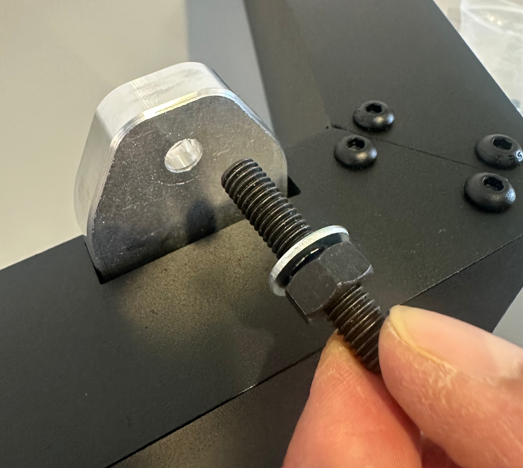
Install the front T-nut now and tighten all 3 bolts.


Step 6:


image-20241206-213853.png
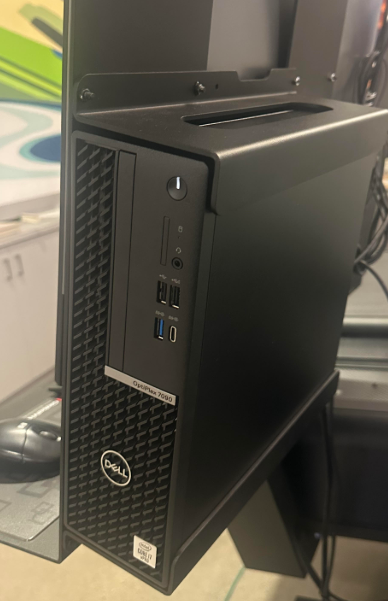
Install Monitor backplate & then the PC mount.


You are done!