
Loading files for Barcode Inspection
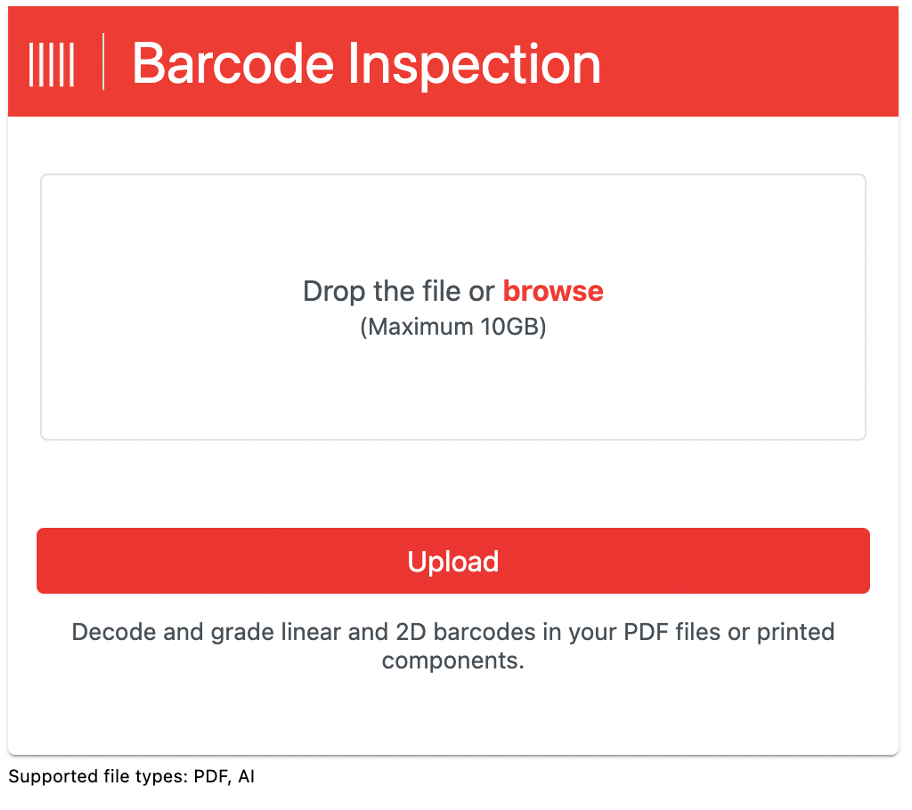
Click the Barcode Inspection icon on top of the toolbar in order to load a file, decode, and grade its barcodes. The following screen displays:
-
Click the Drop the file or browse button to select and upload the file that has barcodes to decode and grade. Alternatively, you can drag and drop the desired file.
-
Click Upload File. The file loads in the Preview panel.
Make sure your files are inspectable
Barcode Inspection supports the following file types:
PDF, AI
Note: There is no maximum image size in Barcode Inspection, but it is recommended that you load files with a maximum file size of 200 MB.
You can upload a multi-page file, but you need to select one page at a time for inspection.
The following 1D barcodes are decoded:
Codabar, Code 11, Code 39, Code 128, GS1-128, Interleaved 2 of 5, MSI, Pharma Code (Rotated 0 and 180 degrees decode values), RSS/ GS1 Databar, RSS/ GS1 Databar Stacked, RSS/ GS1 Databar Limited, RSS/ GS1 Databar Expanded, RSS/ GS1 Databar Expanded Stacked, TelePen, EAN (13 Digits), EAN (8 Digits), UPC-A, and UPC-E. The following 2D barcodes are decoded: Data Matrix, GS1 DataMatrix, QR, and Micro QR.