
Software GVD Software version 5.2.2
order to figure out if a port is listening or not from a Mac is different from a PC
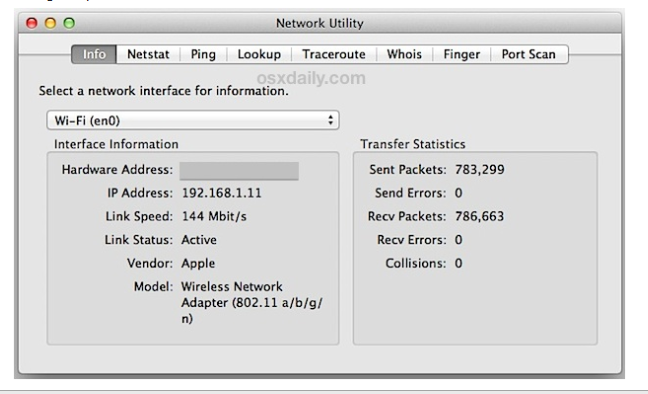
You will need to search for the Network Utility app by either doing a search with Spotlight (the magnifying glass on the top right) or by going to the following path: /System/Library/CoreServices/Applications
Then go to port scan
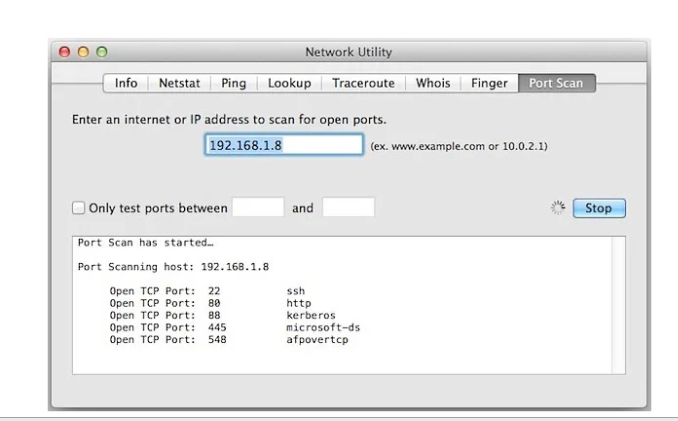
You can also do ranges by putting a checkmark on the “only test ports between”