Authored by: Terence Letourneau
Created: January 27, 2020
Article Title - Exporting the audit trail from GlobalVision Desktop
Software - GlobalVision Desktop
Software Version - V5.1 - 5.5
The entire audit trail can be seen from within GlobalVision desktop it can also be exported from GlobalVision desktop.
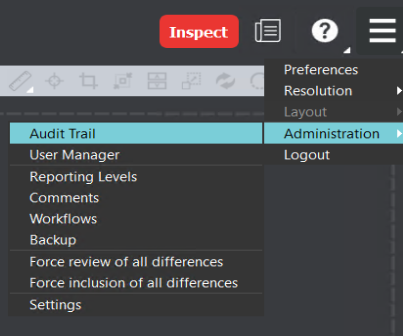
While in GlobalVision desktop (signed in as an administrator) access the audit trail
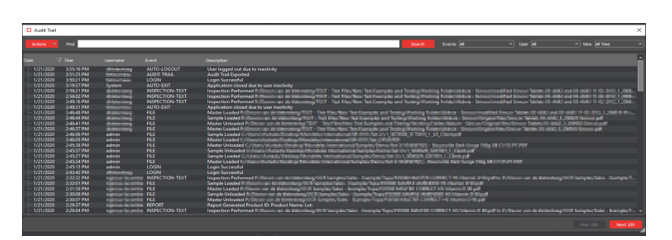
With the audit trail window loaded on the far right for view select All Time.

This will dump the entire audit trail for easier viewing.
With the audit trail now accessible you can export it from the Actions menu
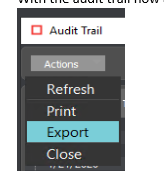
The only option is to export is to a CSV file
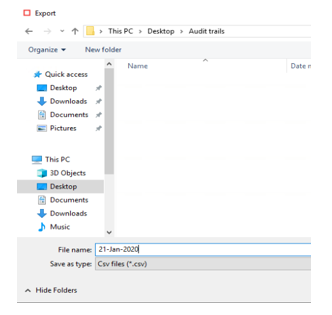
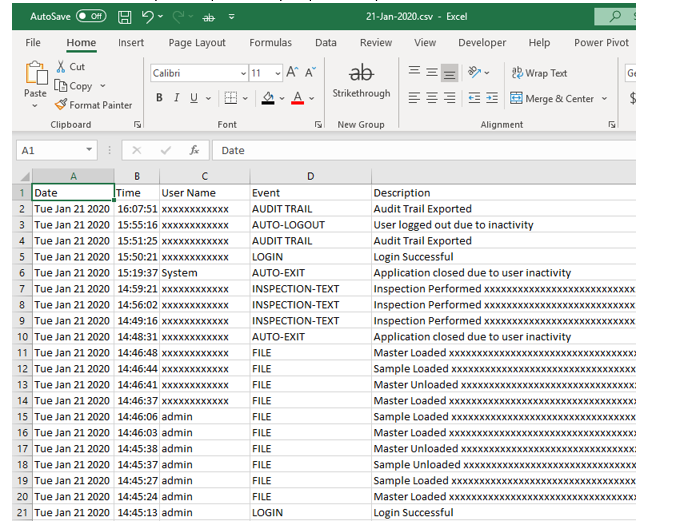
With the CSV file saved you can open it with your preferred spreadsheet viewer