
Authored by: Terence Letourneau
Created: January 24, 2020
Within GV web there are two methods in uploading files
-
Using the Upload Wizard
-
Dragging and dropping files
Method 1
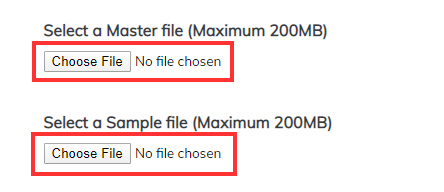
Being the easier to follow method for PC this method involves clicking on the CHOOSE FILE button

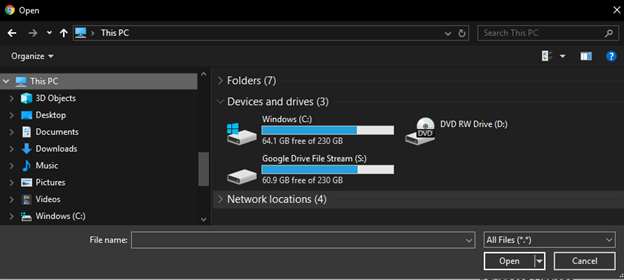
Once done a Windows Explorer window will appear allowing you to locate the files, select it and click OPEN
Method 2
This being the faster method, you simply drag and drop the files onto the CHOOSE FILE buttons
Notes: When on a MAC the buttons will become blue to indicate the file can safely be dropped.
