
Question: How do I upgrade my GVD application from GVD 5.8.0 to 5.8.1?
Answer:
-
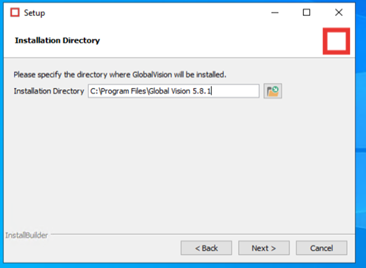
During the installation, chose C:\Program Files\Global Vision 5.8.1 as the installation directory.
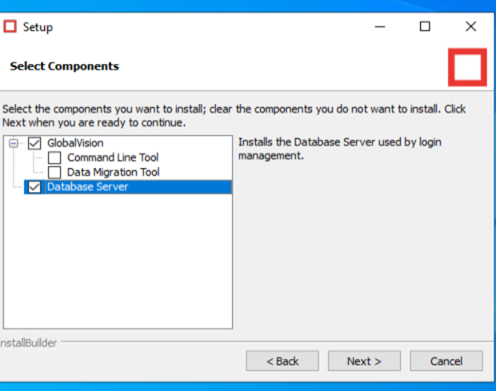
2. Select GlobalVision and Database server in the ‘Select Components’ window.
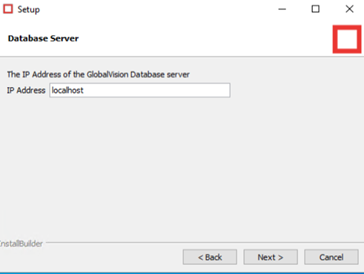
3. Since you are installing on the same computer, leave the IP address as localhost.
4. The Serial Number and Company will auto-populate.
5. Once the installation is completed reboot the computer.
The license is on the cloud so you don’t need to relicense it.
For assistance, please contact support@globalvision.co