
|
Article Title |
Text Inspection Error “Gvetextinspections Error - Error 123: the filename directory name or volume label syntax is incorrect.” |
|
Type (Procedural / Informational /Troubleshooting) |
Troubleshooting |
|
Software |
GVD |
|
Software version |
V5.7.X and below |
Problem:
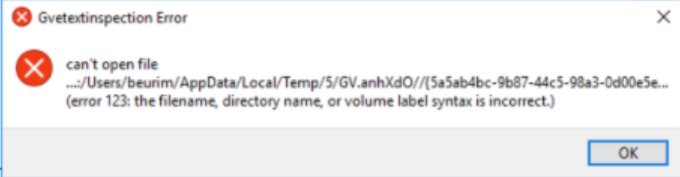
When preparing files for Text Inspection, the error message "Gvetextinspections Error - (Error 123: the filename directory name or volume label syntax is incorrect.)” appears. See:
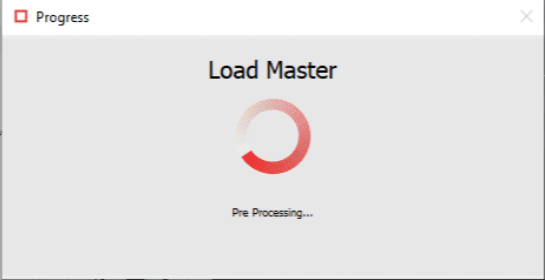
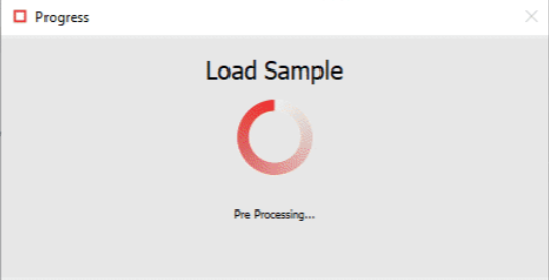
Note that having the following Pre-processing windows appear periodically when preparing the Master and Sample files for inspection is a good indication that you should proceed with the suggested resolution.
Resolution:
This issue is usually caused by a specific feature in the system preferences. Go to Preferences > “Text and Spelling Inspection” and uncheck “Preload files for text comparison”:
After ensuring that the checkbox is unchecked, the issue is resolved.