
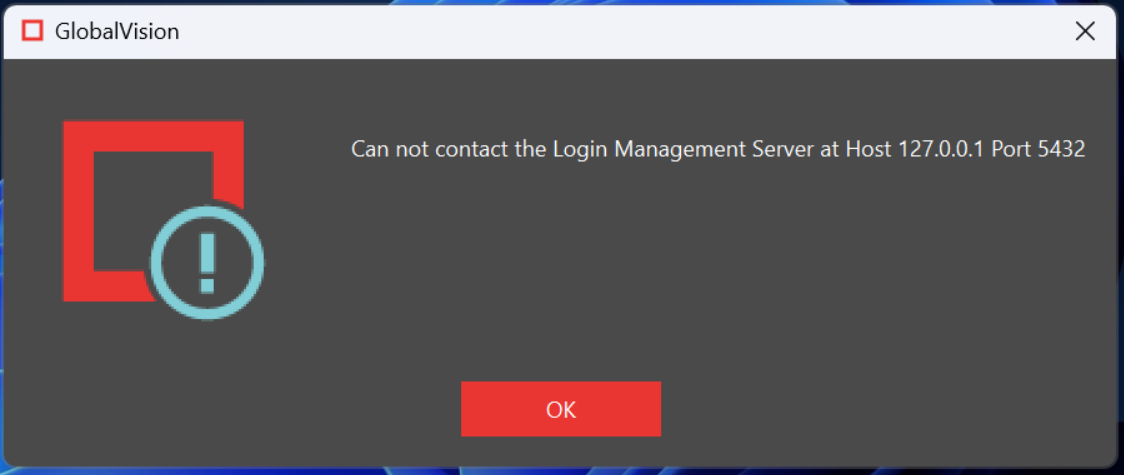
Issue: I installed GlobalVision Desktop and when I launch the application, I receive a message “Can not contact the Login Management Server at Host 127.0.0.1 Port 5432”
Diagnosing:
-
Have IT check that the Port 5432 is open on the computer.
-
They can test this by doing a telnet to the Port 5432.
-
They can also check if the Windows firewall has Port 5432 open.
-
If the the Port is confirmed open, the following is a possible solution.
Before proceeding, we strongly suggest contacting support@globalvision.co to assist in order to avoid any data loss or corruption.
Solution:
-
Opened the installation file.
-
Run the installer using the Wizard.
-
Select Custom and put a checkmark on the Database server.
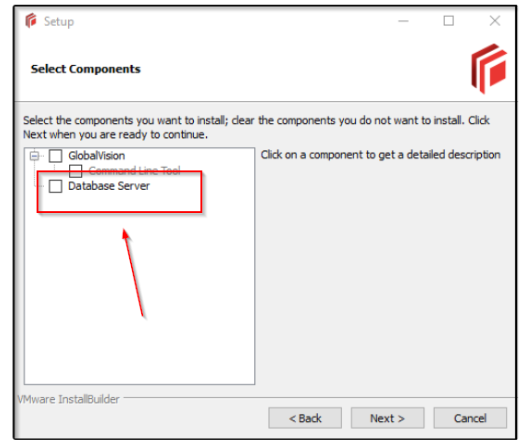
This will install the database if it was not OR it will install on top of the existing database.
-
Relaunch GlobalVision and test if you can log in.
Please feel free to email support@globalvision.co if you have any additional questions. We are happy to help!