Authored by: Terence Letourneau
Created: 24-Jan-2021
Purpose:
To complete the licensing of DocuProof a LIC file is provided by GlobalVision Support.
Prerequisite:
-
Have Synergy and DocuProof installed
-
Provided Hardware ID to GlobalVision Support
-
GlobalVision Support has provided a LIC file
Applying the LIC file:
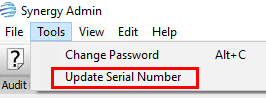
Once the LIC file is supplied it can be imported into Synergy Admin via the Update Serial Number window from within the Tools menu
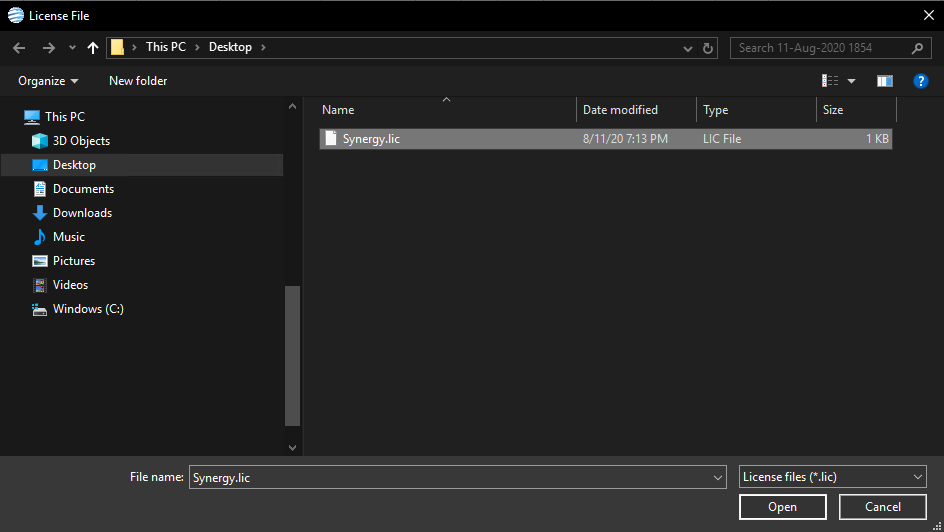
This will then open a Windows Explorer window, allowing you to locate and open the applicable LIC file.
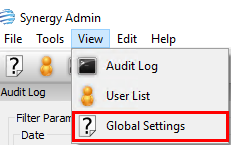
TO confirm the license has been applied, please view the Global Settings and Information window, accessible from the view menu of Synergy